
Tier 1: read-only
Always available when MCP is enabled.
pingcsv.openedFilecsv.listSheetscsv.selectedSheetcsv.headerscsv.previewcsv.rowCountcsv.activeFilterscsv.columnProfilecsv.search CSV Power Editor ships a loopback MCP server for local agents. The app stays visible while the agent reads headers, previews rows, filters, edits, dedupes, trims, exports, and saves.
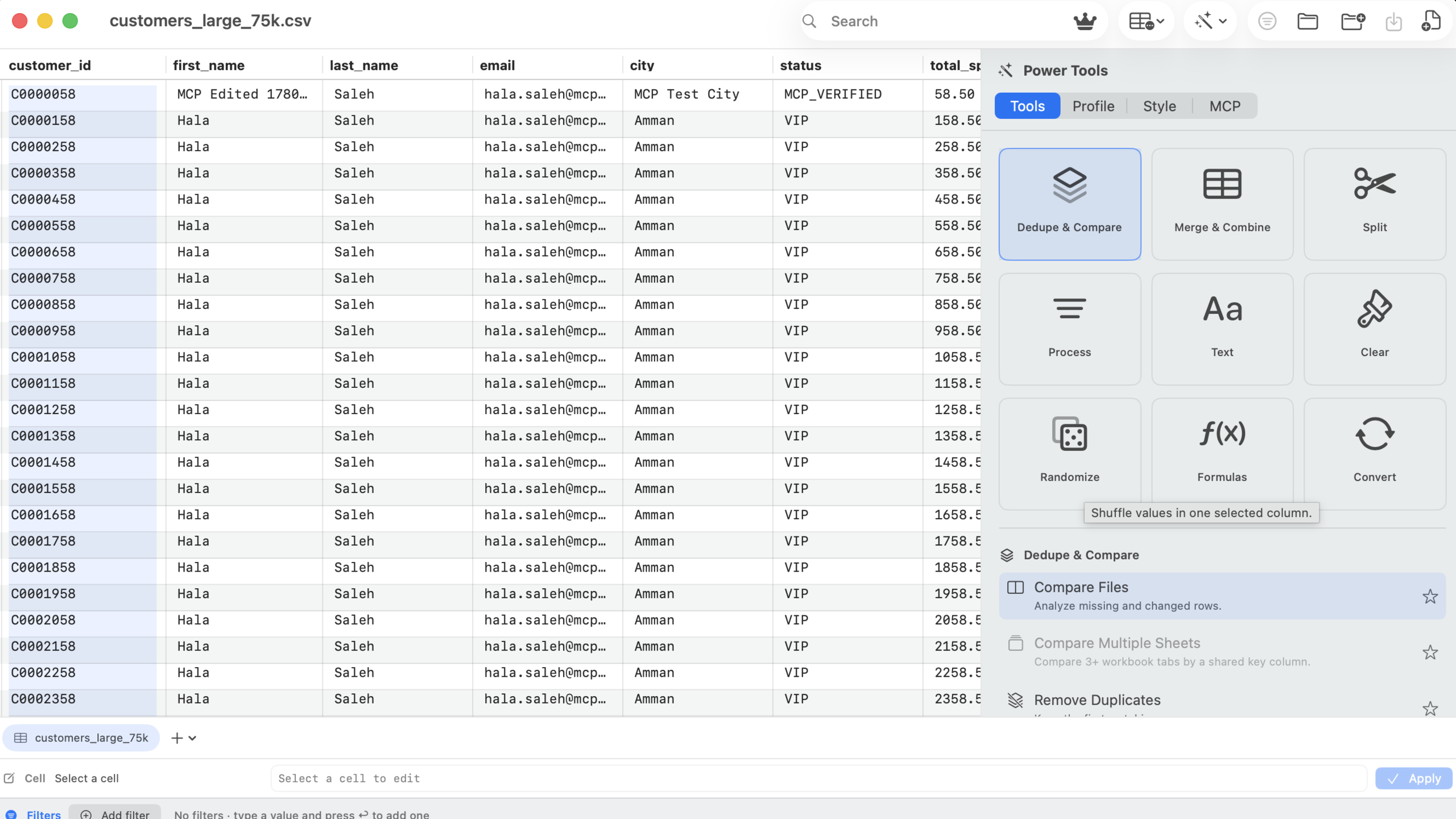
MCP is available during the 14-day trial or after Lifetime Pro is unlocked. Destructive tools are gated behind an explicit setting.
Always available when MCP is enabled.
pingcsv.openedFilecsv.listSheetscsv.selectedSheetcsv.headerscsv.previewcsv.rowCountcsv.activeFilterscsv.columnProfilecsv.search Open files, switch sheets, filter, clear filters, and sort.
csv.openFilecsv.selectSheetfilter.addfilter.clearsort.byColumn Default off. Requires the Allow destructive tools toggle.
csv.editCellcsv.findAndReplacecsv.removeDuplicatescsv.trimcsv.exportVisibleRowscsv.saveWorkbook The MCP server is intentionally local and visible. The user keeps the app open, sees the workbook state, and can undo edits.
Every request requires the token shown inside the app.
The server binds to 127.0.0.1 on the local Mac.
Edit, replace, dedupe, trim, export, and save are gated.
Calls are written to an append-only JSONL log.
The app generates the real token snippet locally.
{
  "mcpServers": {
    "csv-power-editor": {
      "url": "http://127.0.0.1:55173/mcp",
      "headers": {
        "Authorization": "Bearer <token-from-app>"
      }
    }
  }
}