
Operations
Clean customer, order, inventory, supplier, and support exports before importing them into internal systems.
CSV Power Editor fits the daily handoff between SaaS exports, internal systems, databases, dashboards, ad platforms, CRMs, and spreadsheets.
Practical walkthroughs for the conversions and cleanups people search for every day — each one done locally on your Mac.

Turn XLSX sheets into clean UTF-8 CSV files without broken characters, mangled delimiters, or Excel.
Read the guide
Open any CSV — semicolon, tab, or odd encoding — and save it as a clean Excel workbook.
Read the guide
Find exact and fuzzy duplicate rows by key columns, preview what gets removed, then apply with undo.
Read the guide
Get a reviewable compare workbook with matched keys, changed columns, and missing rows.
Read the guide
Combine multiple CSV or Excel exports into one workbook, dedupe the result, and export.
Read the guide
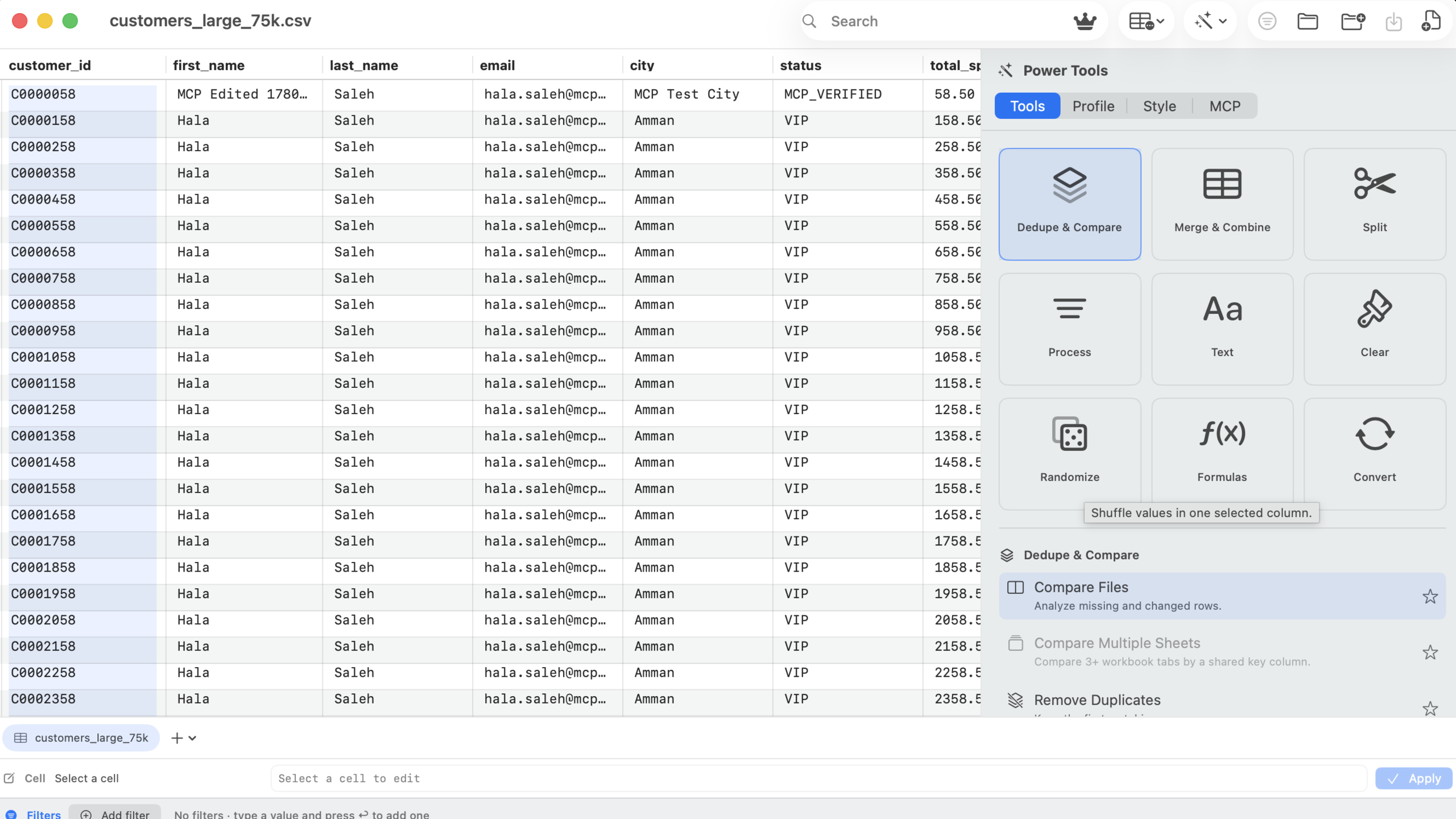
Edit big exports with a disk-backed grid tested on 75,000-row files, live filters, and fast search.
Read the guideMulti-step reconciliation and migration workflows that connect exports from CRMs, stores, ERPs, and payment processors — without customer data leaving your Mac.

Match customer lists from your CRM and store by email, find missing records, and build one master list.
Read the workflow
Normalize legacy exports, dedupe master records, and validate fields before they hit the ERP importer.
Read the workflow
Match orders to payment processor payouts by order ID and surface missing or mismatched transactions.
Read the workflow
Merge list sources, dedupe by email, fix casing, filter invalid rows, and flag unsubscribed addresses.
Read the workflow
Connect Claude Desktop or Cursor over local MCP and watch the agent clean the open workbook live.
Read the workflowThe same core loop works across roles: inspect the file, clean the data, review the output, and export with confidence.
Clean customer, order, inventory, supplier, and support exports before importing them into internal systems.
Dedupe lead lists, normalize campaign fields, filter segments, and export clean rows for email and ad platforms.
Prepare raw CSV/XLSX files before they enter analytics workflows, dashboards, notebooks, or databases.
Fix spreadsheets without one-off scripts, cloud upload tools, or a subscription for a small practical utility.
Use MCP to inspect and operate on the visible workbook from Claude Code, Claude Desktop, Codex CLI, or Cursor.
Give non-technical teammates a visual workflow for repeated spreadsheet cleanup without custom scripts.
The app is not trying to be a BI platform or a spreadsheet suite. It is the preparation step that makes downstream tools cleaner.
Normalize names, emails, statuses, tags, dates, and duplicates before importing customer records.
Filter segments, dedupe leads, clean UTM columns, and export only matching rows.
Compare weekly exports, identify missing rows, and generate reviewable workbooks.
Clean text, split columns, convert date formats, and remove blank rows before upload.
Ask an MCP-enabled agent to inspect, filter, trim, dedupe, export, and save while you watch.